



















Skip to content

For clippers, podcasts and streams

Turn the good parts
into clips.

Paste a link to a long video: your podcast, a stream, a creator you clip for. Pick from the moments worth posting and get vertical, captioned clips for TikTok, Reels, and Shorts.

Moments in about 10 minutes for an hour-long video. You can close the tab, and we'll email you. Works in 37 languages, 12 in beta

No card. Free every month: enough usage for 5 clips from 1 video. Moments you skip never count.

How it works

0:00The whole video

Nothing good slips through.

Hour two got the same attention as minute one. One 1:32:05 video gave 63 candidates, each with where it came from and why it was picked. You pick the ones worth posting.

8:08Both sides of the conversation

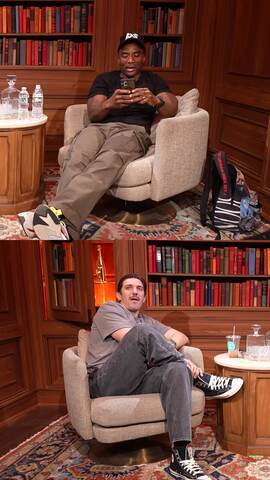
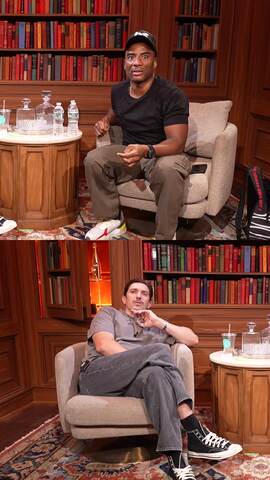
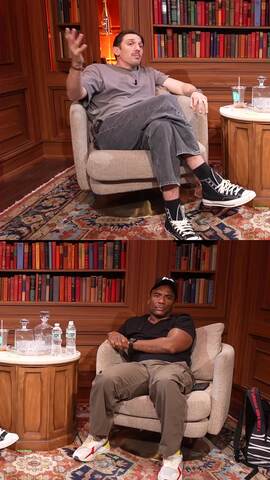
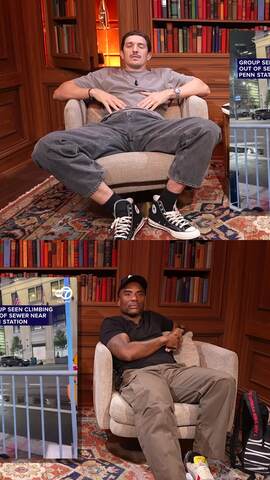
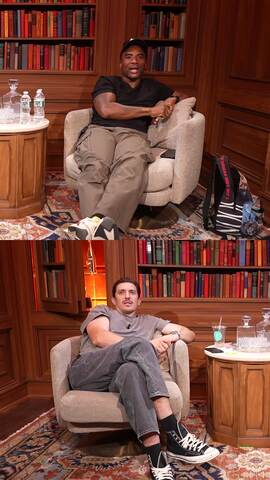
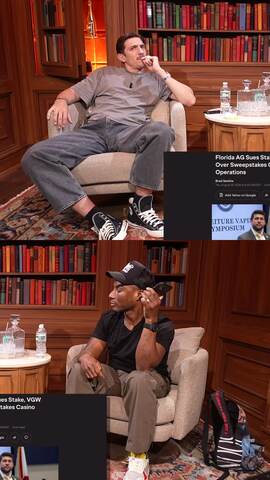
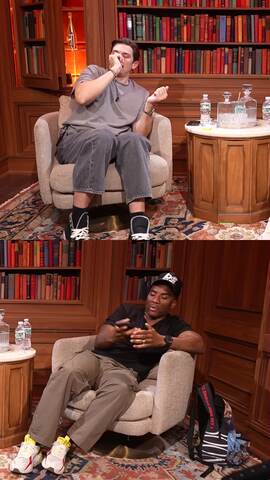
Two people on screen? Your viewers see both.

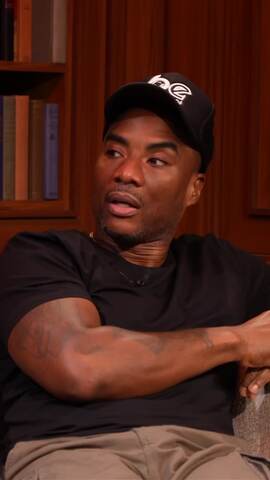
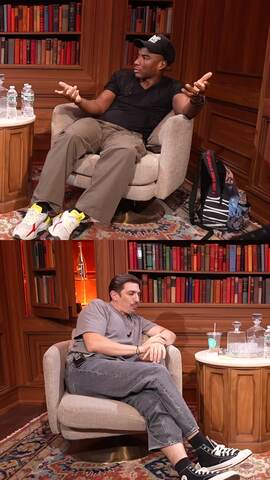
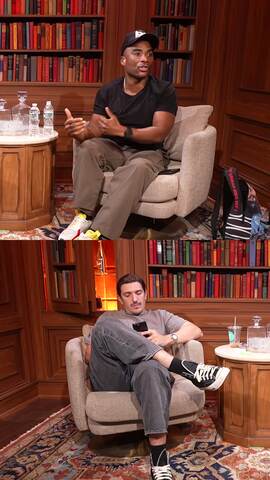
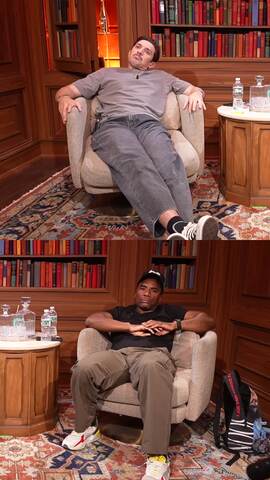
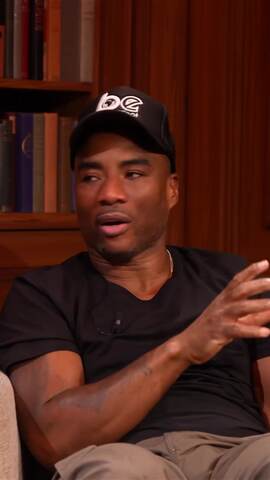
When two people are on screen, the frame splits: the person talking on top, the captions on the seam between them. Solo moments stay tight on the speaker. Nothing to set up. It arrives framed right.

Brilliant Idiots 8:08 CC BY

1:02:44Watchable on mute

Captions that carry the clip.

Most people scroll with the sound off. Every word lands on time, set into the clip when you finish it. Ten looks, calm to loud: key words picked out, emoji, a colour for each speaker. Change the look for free until you finish. The first finish comes with the clip.

Brilliant Idiots 1:02:44 CC BY

1:32:05Your call

Want it cut differently? Just ask.

Ask about this clip (“start on the punchline”) or ask the whole video for more (“more of the argument, less of the intro”). ClipPod reads the video again your way, and you see what it uses before you confirm.

Charlamagne and Schulz, 1:32:0563 moments found
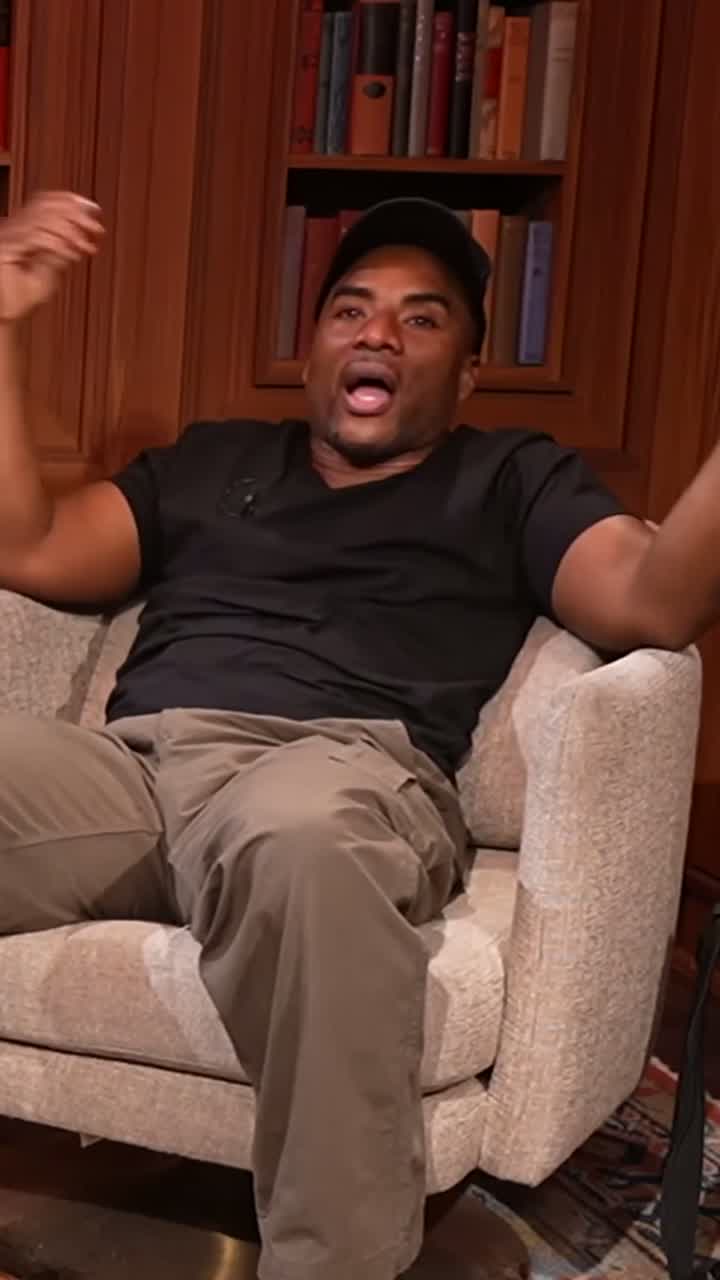
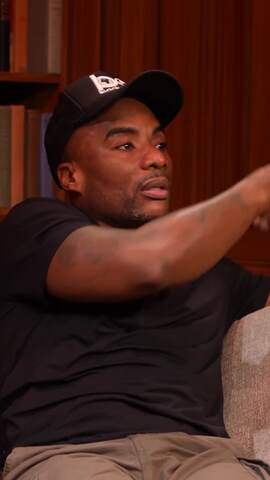
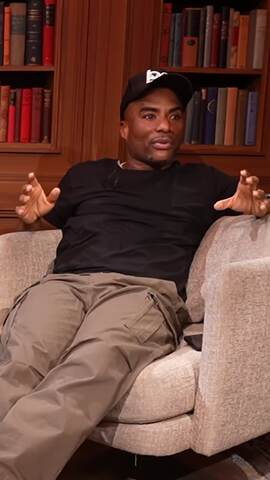
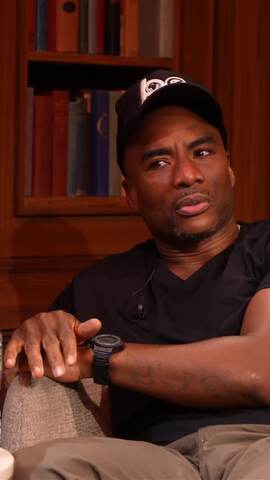
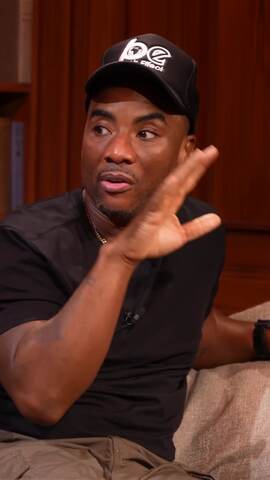
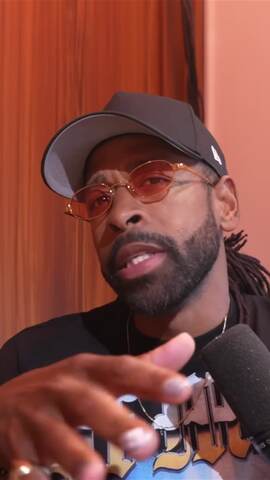
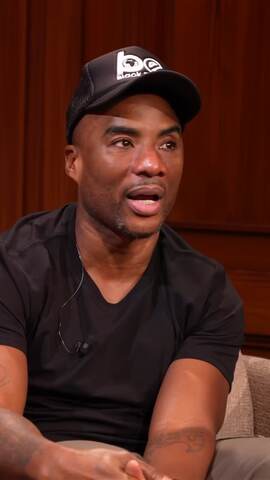
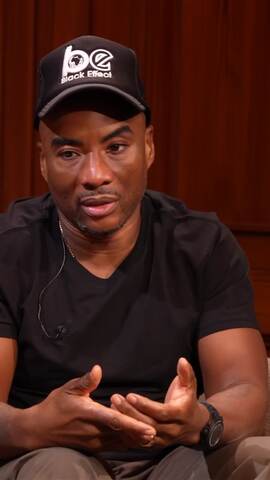
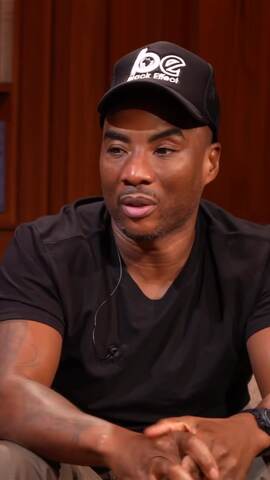
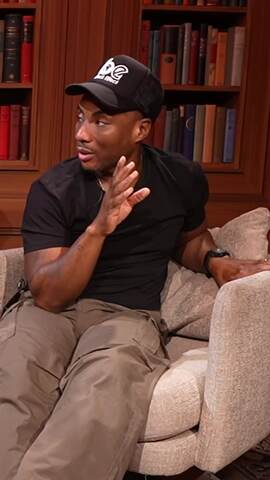
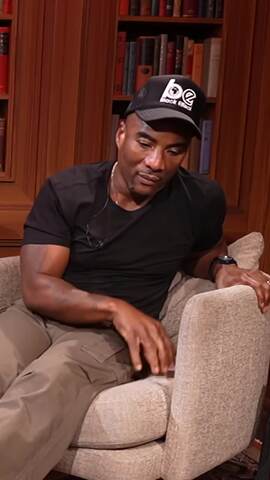
  • Vertical clip from Brilliant Idiots: a speaker in a black cap and T-shirt gesturing from an armchair
    “And listen, for all of you people, follow the money.”0:33 at 1:02:44The speakers connect major companies entering podcasts to audience incentives and finish on a sharp observation about people wanting affirmation over truth.
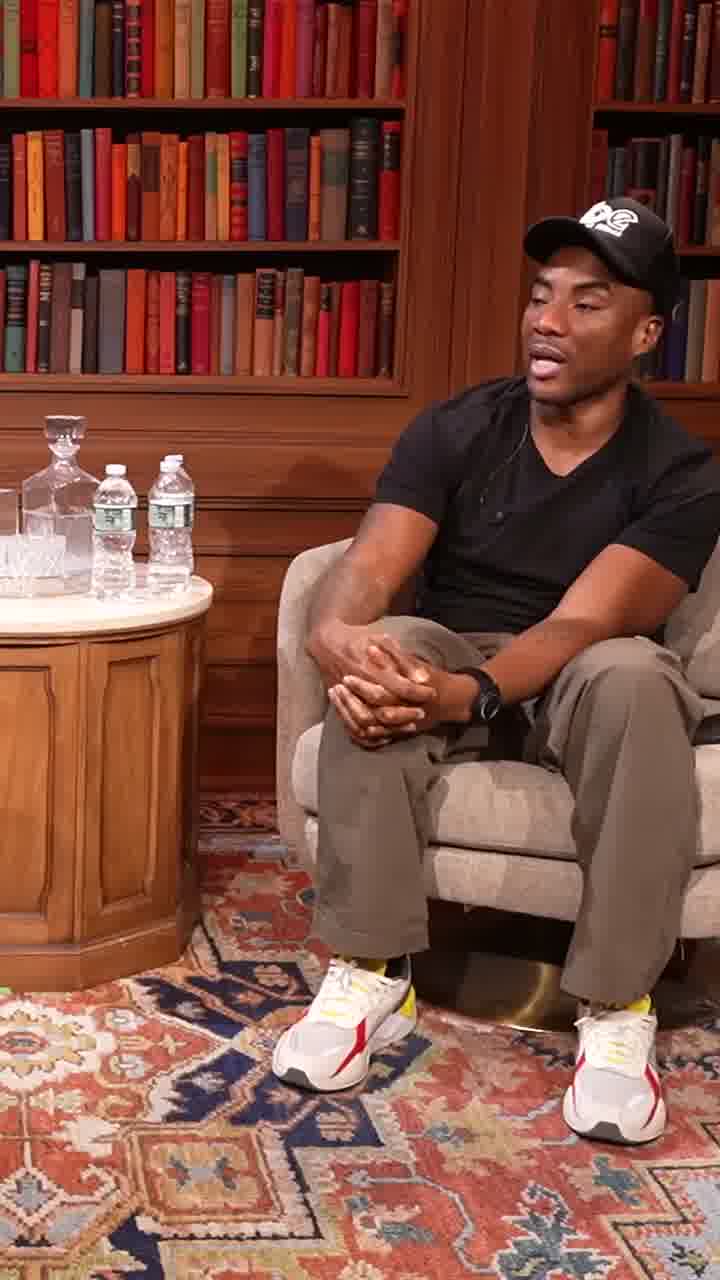
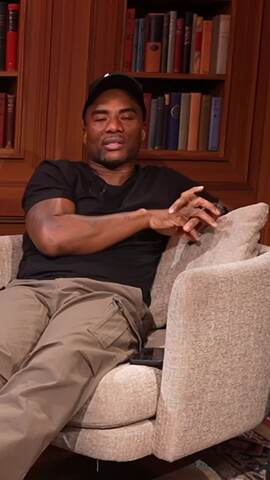
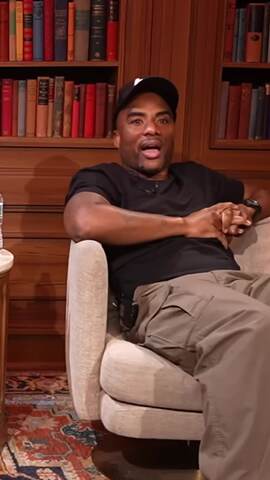
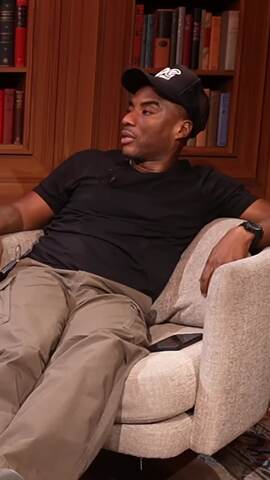
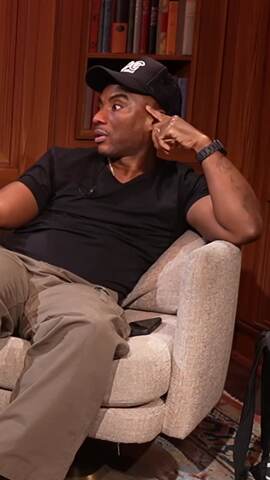
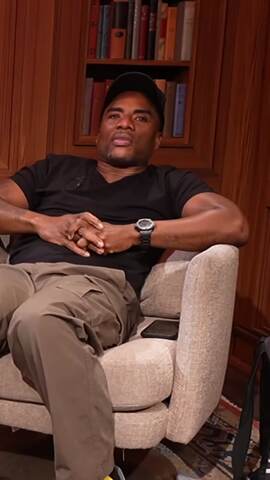
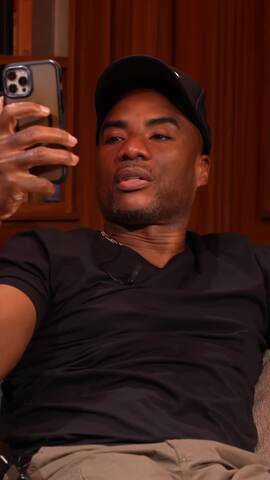
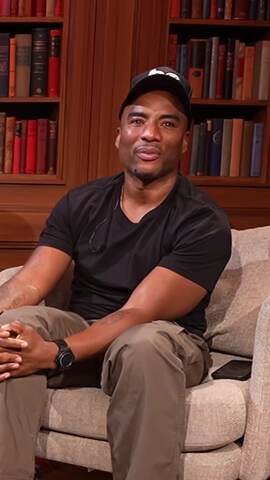
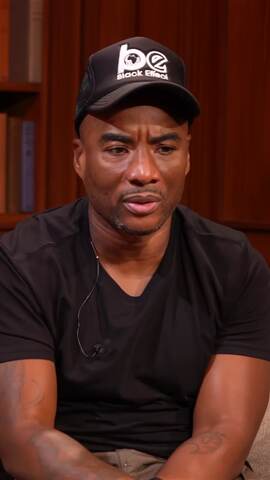
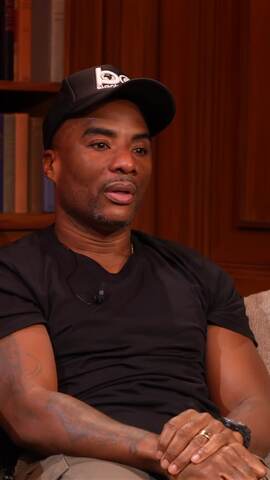
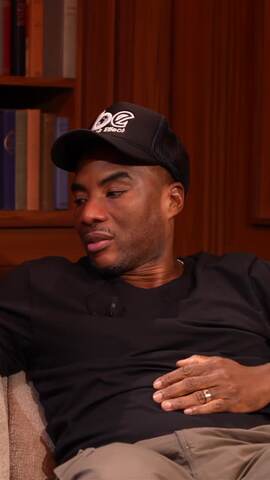
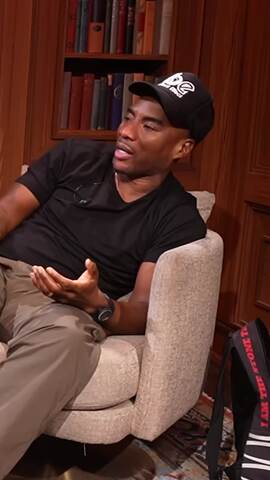
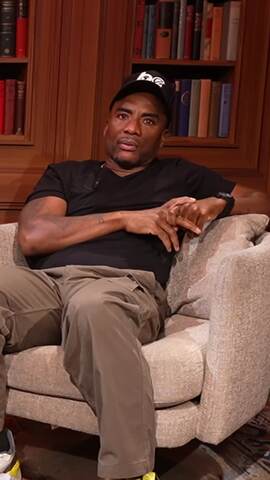
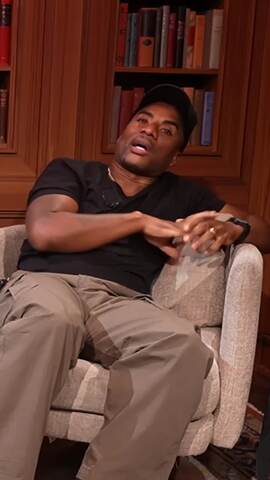
  • Vertical clip from Brilliant Idiots: a speaker in a black cap sitting in an armchair, hands clasped, bookshelves behind
    “All jokes aside, if I was to invest in a franchise, I would invest in the WNBA.”0:27 at 38:22A clear personal take leads into concrete expansion examples and lands on an enthusiastic endorsement of the league.
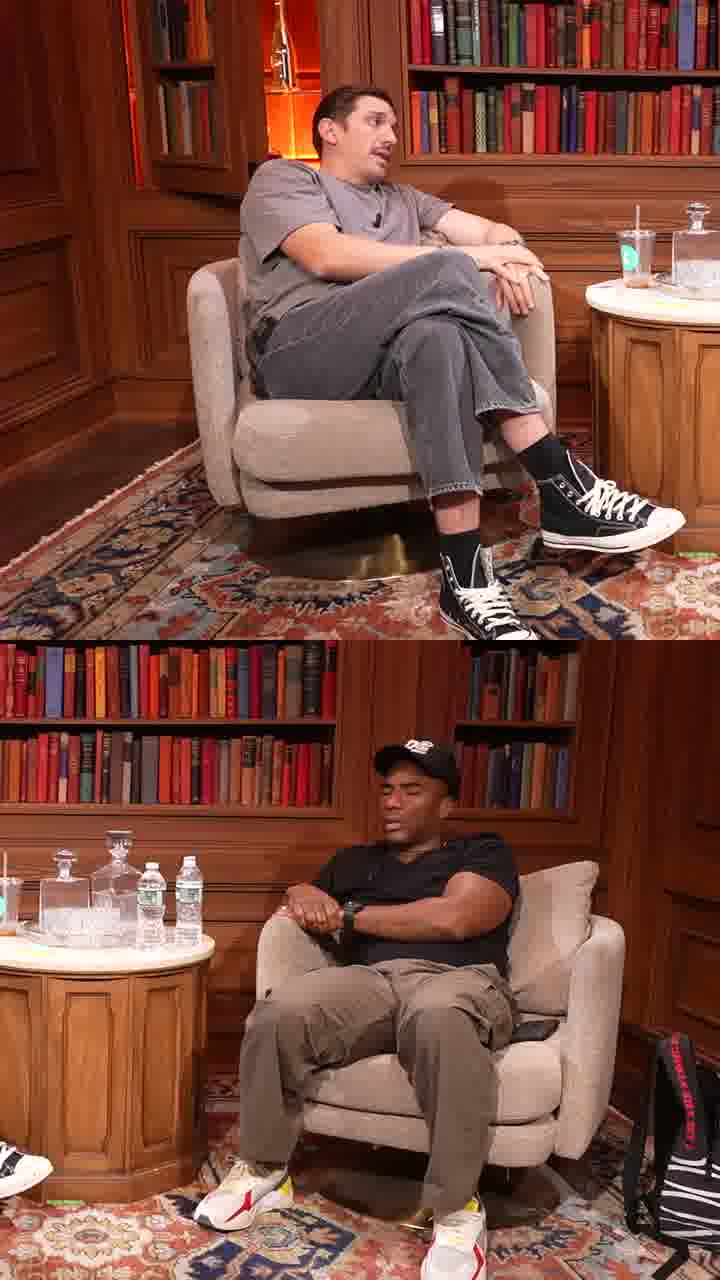
  • Split-screen vertical clip from Brilliant Idiots: a speaker in a grey T-shirt above, a speaker in a black cap below
    “Y'all don't get pieces of the concessions, right?”0:28 at 29:54A clear question leads to a concise explanation of why performers have less negotiating power at the Garden than at other arenas.
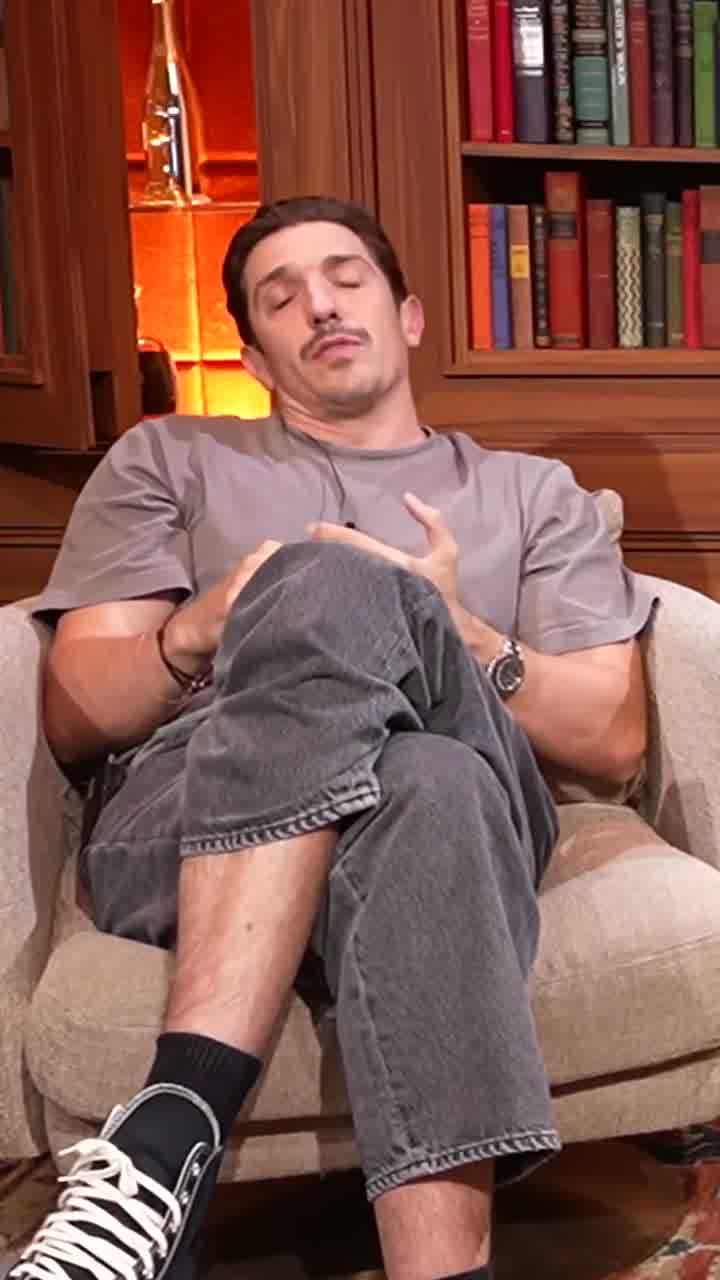
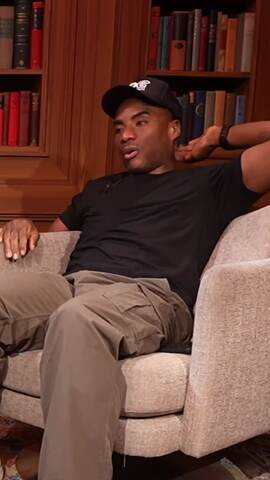
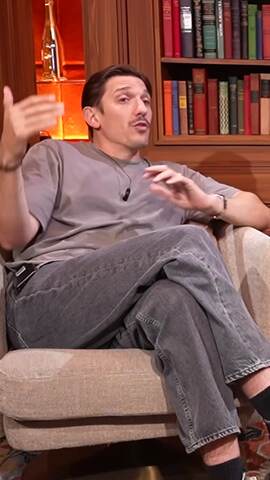
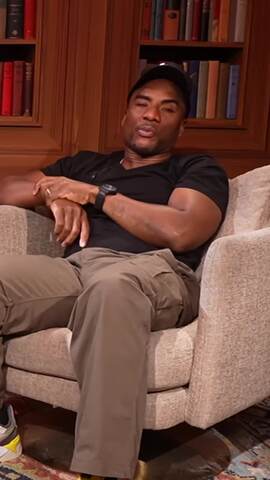
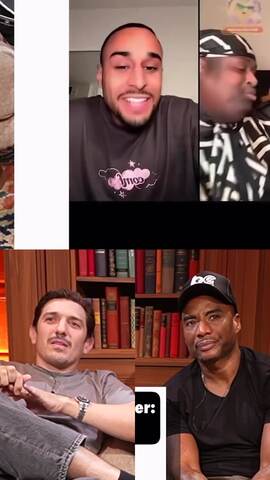
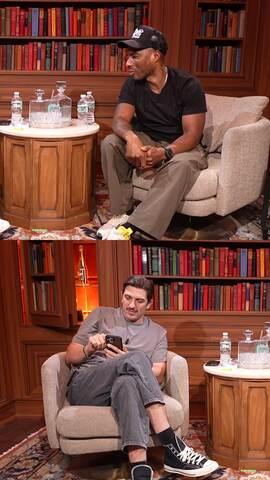
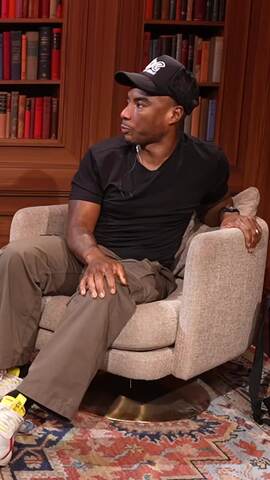
  • Vertical clip from Brilliant Idiots: a speaker in a grey T-shirt and jeans leaning back in an armchair, legs crossed
    “We also live in a different attention economy.”0:43 at 1:22:57The contrast between monetized online attention and earning attention through real-world skills builds to a concrete, funny picture of schoolyard competition.

Found in 12 minWhy each was picked
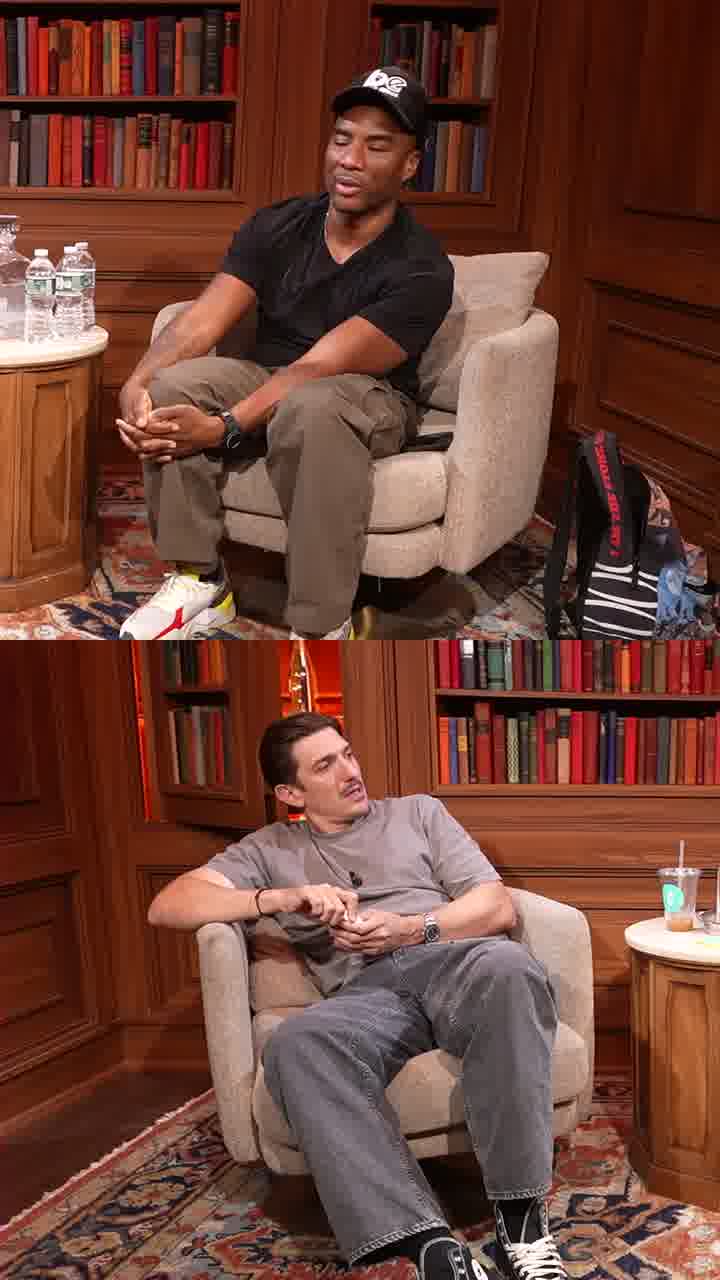
Split-screen vertical clip from Brilliant Idiots: a speaker in a black cap above, a speaker in a grey T-shirt below8:08
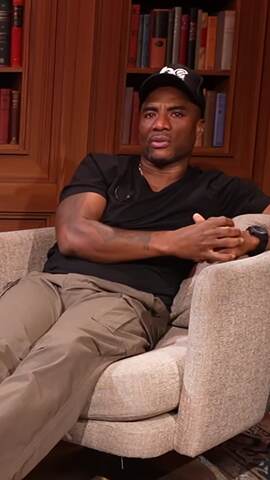
Vertical clip from Brilliant Idiots: a speaker in a black cap and T-shirt gesturing from an armchair

Bold Pop

ClipPod open on this episode: its Moments, Making, Captions and Videos tabs, the videos made so far listed, one of them playing with its captions and its trim, and where you ask for a different cut.

more of the argument, less of the intro

Charlamagne and Schulz, 1:32:05New clips, cut your way. Still free to shape.

For clippers

Clip a creator's long video.

For a campaign, a client or your own channel. Paste the link, pick the moments worth posting and download vertical clips with the captions in the picture.

Try it on the video you're clipping

Before you start:is clipping legithow to make money clippingthe tools for Whop clippers

  1. 01A YouTube or Twitch link is enough: nothing to download first
  2. 02Long streams too: up to 4 hours at a time
  3. 03Cut to 9:16 around whoever is talking, split when two share the shot
  4. 04Captions in the picture: keywords picked out, a colour for each speaker
  5. 05No watermark over the picture; no ClipPod end card on any paid plan

For podcast teams and agencies

Clip every show you produce.

Set a house style once and every new video starts there: shape, caption look, layouts.

Try it on a client's video
  1. 01A house style for every new video
  2. 02Fix a name once and it's offered in the video's other clips
  3. 03One zip per video
  4. 04Enough usage on Creator for 400 clips from 80 videos a month, about $0.08 a clip
  5. 05No ClipPod end card on any paid plan

Start free. Pick a plan when you clip more.

Each plan says what a month is enough for: clips, and the videos they come from.

Free every month: enough usage for 5 clips from 1 video. No card.

$0.25 a clip on Lite, its share of a 40-minute video included. Downloads always free.

How you pay

About a third off. You pay once a year. Usage still refills every month.

Starter$9$6 /mo

100 clips a month, from 20 videos

5× Lite for $2.50 more a month

$72 a year

Based on 40-min English videos and 45-s clips. Fewer clips leave room for more videos.

Out in a month you didn't plan for? Subscribers can top up from $5.99, and a top-up never expires.

Questions

Before you paste a link.

More answers on the pricing page
Is ClipPod free?

Yes. Free every month: enough usage for 5 clips from 1 video. No card. Picking moments, previewing and downloading use nothing.

Is there a watermark?

No watermark over the picture. Free-tier clips end with a short ClipPod card. Paid plans have no end card.

Which languages does it work in?

ClipPod works in 37 languages, 12 of them in beta. See the 37 we support.

How do I cancel?

Go to Plan & usage in the app, press Manage subscription and cancel there. You keep your plan and what's left of its usage until the end of the period you've paid for, and nothing more is charged. A top-up you bought stays and never expires. Once the plan ends you have 30 days to resubscribe with your library intact; after that it is permanently deleted, and we email you a week before. Changed your mind before the period ends? Press Keep my plan on the same page.